Blog · November 28, 2026
Marketing Messages API for WhatsApp: now available in OneMarketer
What Meta's Marketing Messages API is and how OneMarketer lets you choose, for each send, whether marketing templates go through the Cloud API or through it.
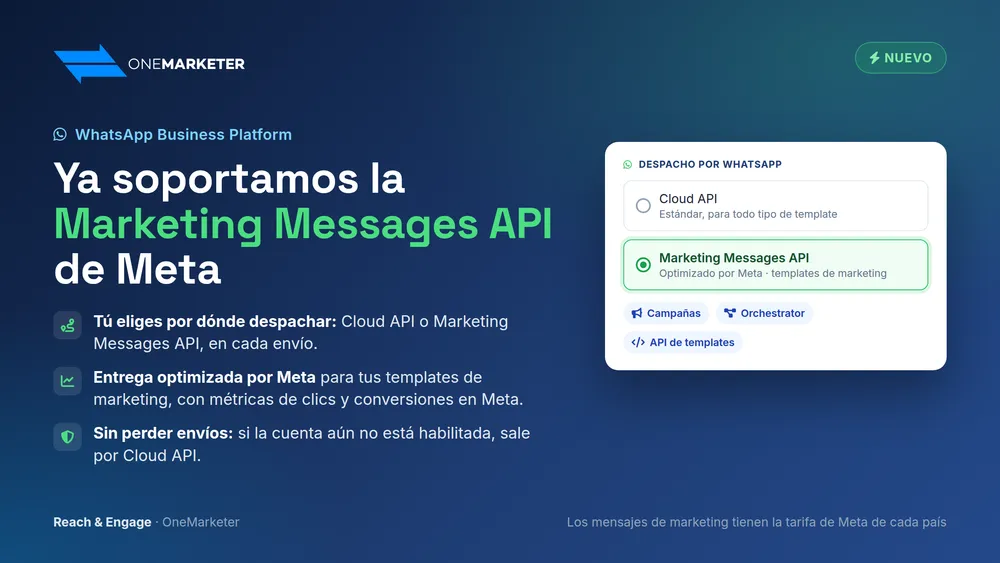
Meta created a dedicated way to send WhatsApp marketing messages with optimized delivery: the Marketing Messages API for WhatsApp. In OneMarketer you can now use it in your campaigns, in the Orchestrator and in the templates API, choosing for each send whether it goes through the Cloud API or the Marketing Messages API.
What is the Marketing Messages API for WhatsApp?
It is a Meta API built only for marketing templates: promotions, launches, limited-time offers, product carousels and coupons. It was previously called the Marketing Messages Lite API (or “MM Lite”).
It works alongside the Cloud API you already use: the same WhatsApp number, the same account and the same approved templates. There is no need to register new numbers or recreate templates. Service, utility and authentication messages keep going through the Cloud API, and your customers’ replies keep reaching the console as always.
What does your business gain?
- Delivery optimized by Meta. Meta uses engagement signals to decide how and when to deliver each marketing message, aiming to reach the people most likely to read it and respond.
- Performance metrics in Meta. Sends, deliveries, reads and clicks and, if you connect your Pixel or the Conversions API, also conversions on your website or app.
- Automatic creative enhancements (optional). Meta can adjust elements such as image brightness or text formatting to improve performance. They can be turned on or off.
- No migration. Your templates, numbers and flows stay the same: only the route the message takes changes.
How it works in OneMarketer
We chose not to force a change on everyone: whoever triggers the message chooses how it is dispatched. That way you can try the Marketing Messages API in one campaign, compare results and decide.
1. Campaigns (Reach & Engage)
When you create a Quick campaign or a catalog campaign, the Flow and schedule section shows the WhatsApp dispatch selector with two options: Cloud API (standard) or Marketing Messages API (Meta-optimized). Cloud API is the default.
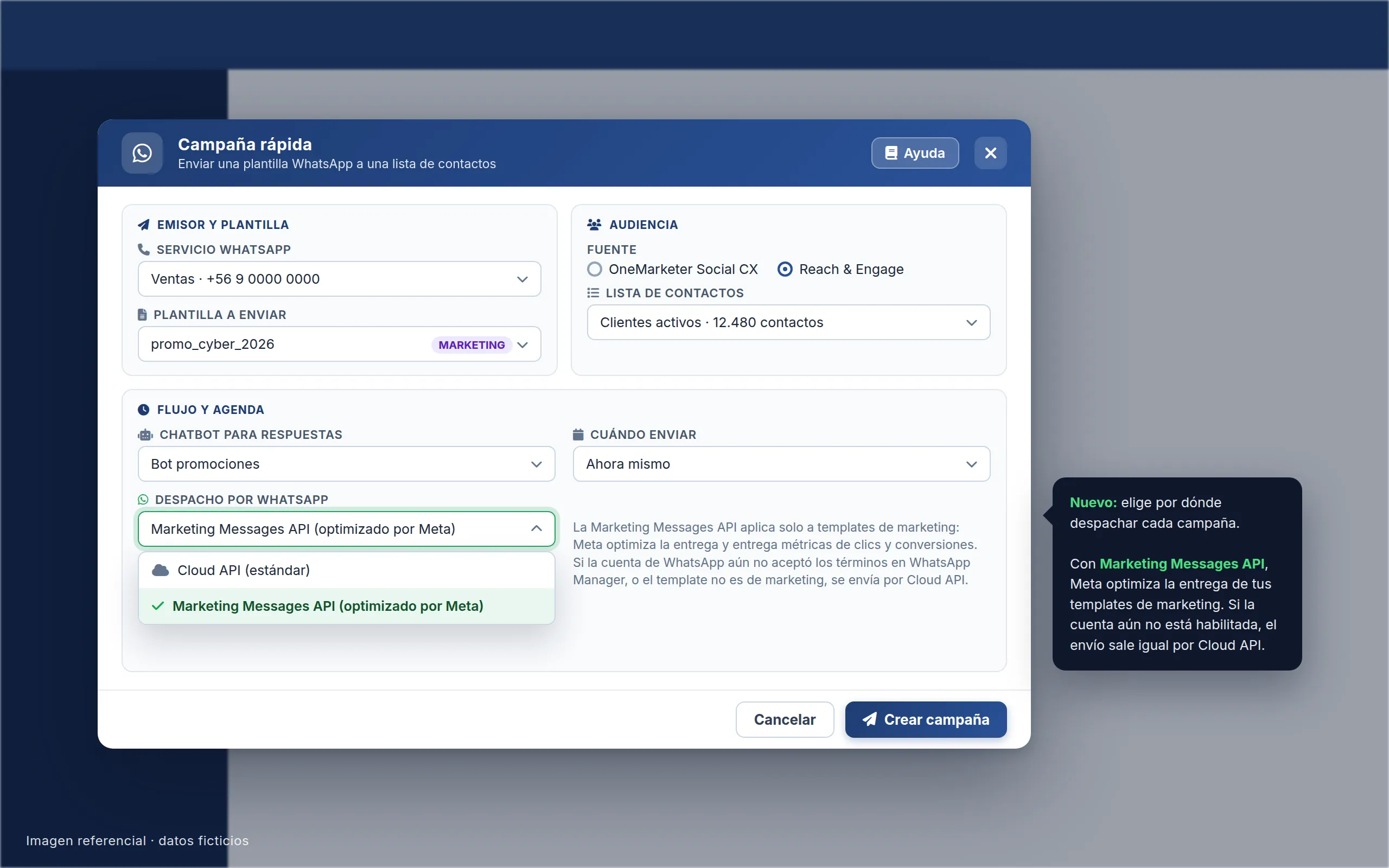 Reference image with sample data: the dispatch selector in the Quick campaign (Spanish UI).
2. Orchestrator
Each WhatsApp step in a journey has its own Dispatch field. For example, the launch message can go through the Marketing Messages API and the follow-up reminder through the Cloud API.
3. Templates API
If you send templates from your own systems with our API, add the dispatch field to the request:
{
  "...": "the same fields you already send",
  "dispatch": "marketing_messages"
}
Without the field, the message goes through the Cloud API as always: your current integrations do not change.
What happens when you send?
We designed it so that you never lose a send by choosing the Marketing Messages API:
| Situation | Route the message takes |
|---|---|
| You chose Cloud API | Cloud API |
| You chose Marketing Messages, the template is a marketing one and your account accepted the terms | Marketing Messages API |
| You chose Marketing Messages, but your account has not accepted Meta’s terms yet | Cloud API (Meta still sends it) |
| You chose Marketing Messages, but the template is a utility or authentication one | Cloud API |
How to enable it on your account
- Accept Meta’s terms. In WhatsApp Manager, go to Overview → Alerts and accept the Marketing Messages API terms. Your company’s Business Manager admin must do this.
- Use Marketing category templates. Utility and authentication templates do not apply.
- Choose “Marketing Messages API” in your campaign, in the Orchestrator step or in the API request.
- (Optional) Connect your Pixel or the Conversions API to measure conversions. If you already use OneAds, the Conversions API is already set up.
Tip: after creating a new template, wait a few minutes before using it through the Marketing Messages API; Meta takes up to 10 minutes to make it available on this route.
Good to know
- Cost: marketing messages carry Meta’s rate for each country. Ask your OneMarketer account executive for current rates.
- Marketing only: the Marketing Messages API does not send service, utility or authentication messages; those keep going through the Cloud API.
- Country restrictions: according to Meta, delivery optimization and click and conversion metrics are not available for recipients in some markets (for example the European Economic Area, the United Kingdom, Japan and South Korea). Marketing sends to United States numbers remain blocked by Meta.
- Metrics: Marketing Messages API metrics are available in Meta’s tools (WhatsApp Manager and Ads Manager).
FAQ
Do I need to change my templates or my number? No. You use the same approved templates and the same number you already have on the Cloud API.
What if I choose the Marketing Messages API and my account is not enabled? The message is still sent through the Cloud API. No send is lost.
Can I mix both routes? Yes. Each campaign, each Orchestrator step and each API call picks its own route.
Do my customers’ replies still arrive? Yes. They reach the console as always, with your bots, agents and assignment rules.
Want to try it?
Talk to your OneMarketer account executive: we will help you enable the Marketing Messages API on your account and set up a first campaign to compare results with the Cloud API.
Source: Meta developer documentation on the Marketing Messages API.